


Alpha Cybertech
Design the backbone of enterprise data—become a Storage Architect
Course Overview
The NetApp Storage Course is designed to provide participants with a comprehensive understanding of NetApp data storage solutions. This course will cover the basics of NetApp storage systems, architecture, configuration, administration, and troubleshooting. Participants will gain practical skills in managing NetApp storage environments and optimizing storage efficiency.
Course Duration: (40 hours)
Learning Objectives:
Understand the fundamental concepts of NetApp storage solutions.
Learn to install and configure NetApp storage systems.
Develop skills in managing disk shelves, aggregates, and volumes.
Learn about various storage protocols, including NFS, CIFS, iSCSI, and FC.
Gain knowledge in implementing storage efficiency features such as deduplication and thin provisioning.
Learn to set up and manage snapshots, backups, and disaster recovery.
Develop troubleshooting skills for common storage issues.
Understand the concepts of data protection and security in NetApp storage environments.
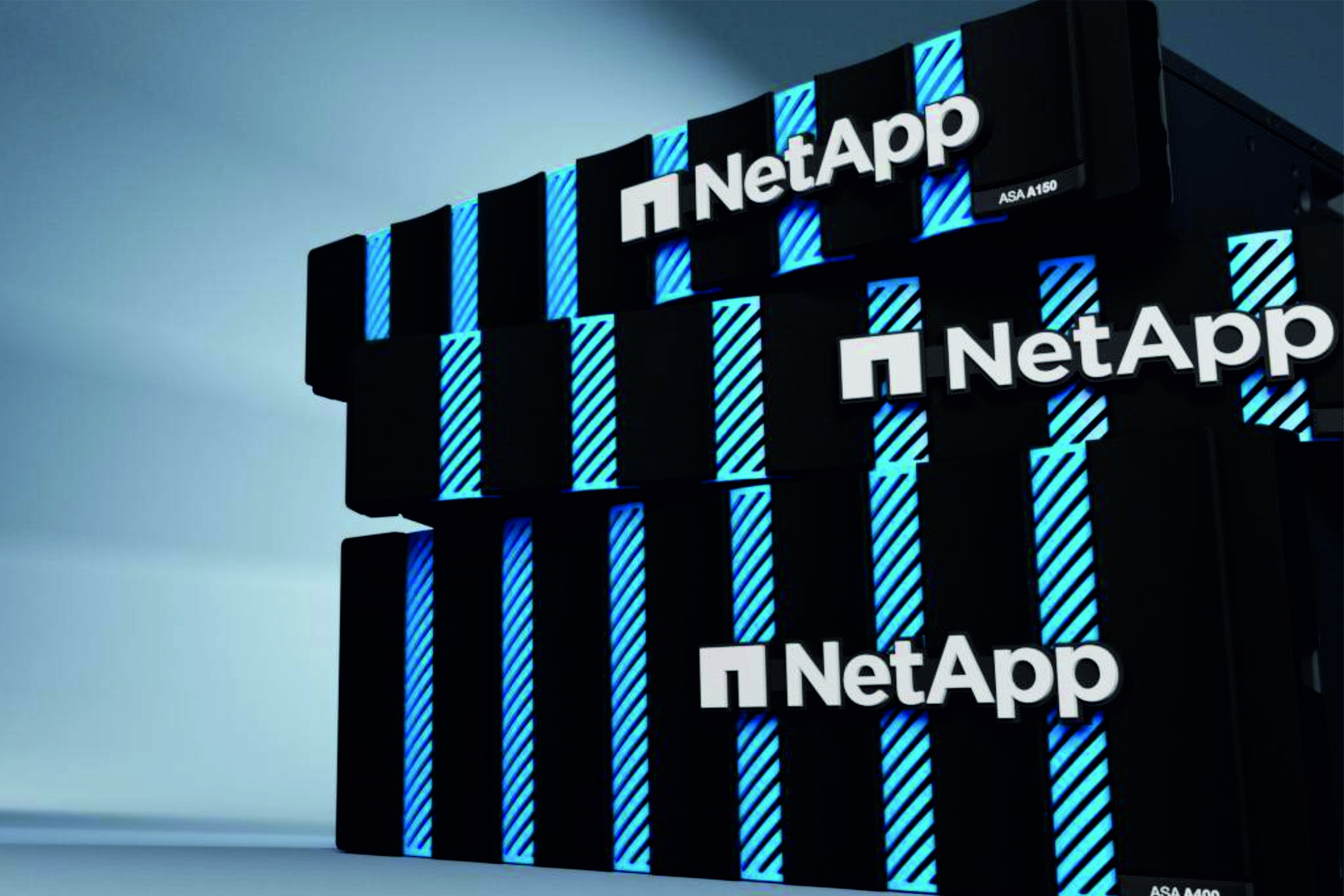
Design the backbone of enterprise data—become a Storage Architect
Course Outline
Module 1
Introduction to NetApp Storage:
- Overview of NetApp storage solutions
- Introduction to NetApp ONTAP operating system
- Common terminology and architecture
Module 2
Installing and Configuring NetApp Storage Systems:
- Installation requirements and best practices
- Basic setup and configuration of NetApp storage systems
- Introduction to NetApp System Manager
Module 3
Managing Disk Shelves, Aggregates, and Volumes:
- Disk shelf configuration and management
- Creating and managing aggregates
- Creating and managing volumes
Module 4
Storage Protocols:
- Introduction to NFS protocol
- Introduction to CIFS protocol
- Introduction to iSCSI protocol
- Introduction to Fibre Channel (FC)
Module 5
Storage Efficiency:
- Data deduplication and compression
- Thin provisioning and space guarantees
- FlexClone technology
Module 6
Snapshots, Backups, and Disaster Recovery:
- Creating and managing snapshots
- Introduction to NetApp SnapMirror for data replication
- Introduction to NetApp SnapVault for backups
Module 7
Troubleshooting and Performance Optimization:
- Common storage issues and their resolutions
- Diagnosing and troubleshooting performance problems
- Monitoring and optimizing storage performance
Module 8
Data Protection and Security:
- RAID levels and data protection
- Introduction to NetApp MetroCluster for high availability
- Security best practices for NetApp storage systems

Assessment:
Quizzes at the end of each module
Hands-on lab exercises to reinforce learning
Final exam covering all modules
Note: This syllabus is a general outline and can be customized based on the specific needs and requirements of the participants and the organization.